Google AI Mode adds Wallet, Drive and Gemini context
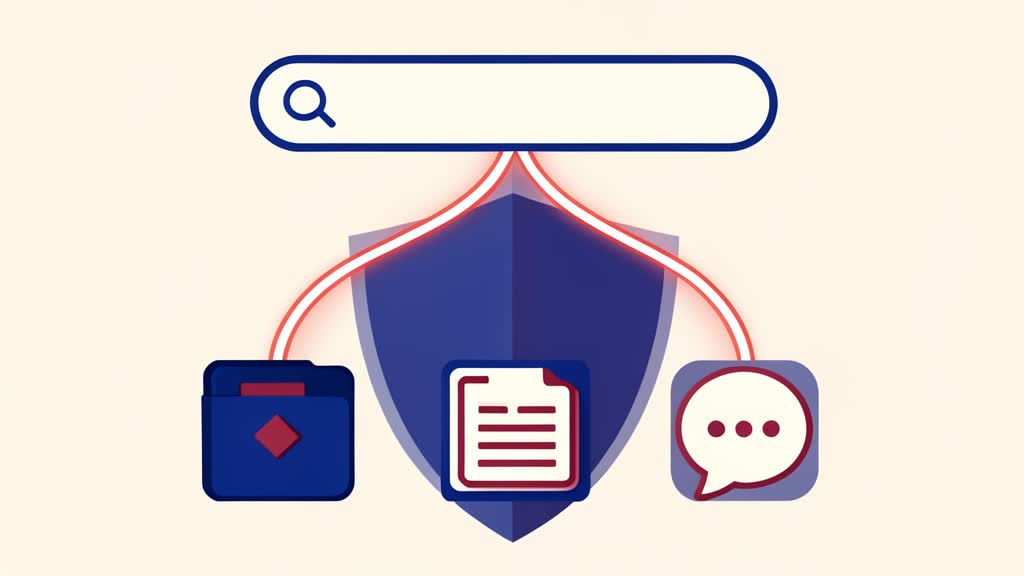
Google began rolling out Google Wallet connections to Personal Intelligence in AI Mode on November 23, 2026, with Google Drive and the Gemini app following 'in the coming weeks'. The connections are opt-in, sit alongside existing links to Gmail, Calendar and Photos, and let Search answer using your spending, your documents and your chats. Google is explicit about one boundary: on Wallet, AI Mode can read only — it cannot move, manage or invest your money.
- Wallet is live, Drive and Gemini are queued — Google started rolling out the Google Wallet connection to Personal Intelligence in AI Mode on November 23, 2026, and says Google Drive and the Gemini app follow in the coming weeks.
- Wallet access is read-only — Google states that if you connect Wallet, AI Mode can only read information from your accounts — it cannot move, manage or invest your money.
- It joins Gmail, Calendar and Photos — Personal Intelligence in AI Mode already supported Gmail, Calendar and Photos; Wallet, Drive and Gemini expand the same opt-in context layer rather than a separate product.
- Every app is opt-in, per app, and reversible — You connect apps in Search Personalization under Connected Apps, can switch each one off at any time, and Google says a Personalization icon will soon show which context a tailored answer used.
What each connection actually adds
Related guide: Google ADK 2.14: A2A Goes Stable, Teams Runner Ships
Google Wallet. Connecting Wallet lets AI Mode and the Gemini app work from your transaction and card context. Google's examples are practical rather than spectacular: mapping out financial milestones, spotting categories where everyday spending can be trimmed, and optimising card benefits such as cash-back categories, travel perks and reward points for cards already linked to Wallet.
Google Drive. This is the connection with the broadest practical use. AI Mode can draw on the Docs, Sheets and PDFs in your Drive when answering, so a question about a project or a decision reflects material you already wrote instead of only what is on the web. Google's own example is a personalised preparation plan ahead of tax season, built from the files you hold.
The Gemini app. Once live, context moves in both directions: explore an idea in Gemini and AI Mode can build on it, and vice versa. You could already opt in to have the Gemini app factor your Search history into answers; this adds the reverse direction, and — per 9to5Google's write-up of the announcement — AI Mode can draw on your Gemini chats, what you have shared with the Gemini app (photos, files, audio or video attachments, and screens you ask about), plus associated insights and locations.
All three sit on the same context layer as the apps Google connected earlier: Gmail, Calendar and Photos. That is worth pausing on, because the interesting thing here is not any single app — it is that the list is now long enough to reconstruct a fairly complete picture of a life.
How to turn it on, and where the off switch is
Related guide: Gemini Tasks is free in India — but calling is US-only
The control path is short, which is the right design. Open Search Personalization, choose Connected Apps, and select the apps you want to connect. The same screen lets you turn any connection off again, and personalization itself can be turned off from your Search settings at google.com/search-personalization. Google's own wording is that you choose if and when you opt in, and that you stay in control of your personalization settings.
Two soon-to-arrive additions are worth knowing before you connect anything. Google says a "Personalization" icon will appear below tailored responses so you can see which context AI Mode actually used, and that you will be able to correct that context by telling AI Mode directly — its example is replying in the thread that you are no longer a vegetarian. Until that icon ships, you are trusting the summary rather than inspecting it.
What Google says AI Mode will not do
Related guide: Gemini 4 Neon: Benchmarks, Pricing & Antigravity Guide
The most useful sentence in the announcement is a limitation. If you connect Wallet, "AI Mode can only read information from your accounts; it can't move, manage, or invest your money." That is a capability boundary, not a security guarantee, and it is the correct place to draw the line for a financial connection in a product that occasionally gets things wrong.
What Google has not said is equally relevant. The announcement does not state which countries, languages or subscription plans the Wallet rollout covers, and Drive and Gemini are dated only as "the coming weeks". Treat availability as a moving target if you are advising a team or planning a rollout.
The trade-off you are actually making
Related guide: Gemini 4 Hydrogen: Google's faster agent model explained
Personalised answers are only as good as the context they are given, and there is a direct relationship between usefulness and exposure here. Connecting Drive means an assistant that can find your tax documents also has a durable reason to read your Drive. Connecting Wallet means spending questions get better answers because financial data is in scope — read-only, but in scope.
Three checks are worth running before you opt in, and none of them is exotic:
- Protect the account, not just the setting. The context layer inherits the security of the underlying Google account. Strong unique credentials and a phishing-resistant second factor matter more once Search reasons over Drive and Wallet.
- Connect apps you will actually use. Each connection adds context. If you never want Search answering from your documents, leaving Drive off costs you nothing except a feature you were not using.
- Revisit the list, not just the toggle. Connections accumulate quietly. The Connected Apps screen is the one place that shows the whole set, and it is worth an occasional review rather than a one-time decision.
There is also a practical upside worth naming: personal context removes repetition. Google's example is picking up a trip-planning research thread in a new search without starting over, and that is a real quality-of-life gain for anyone who uses AI Mode as a working tool rather than a novelty.
Bottom line
Related guide: Gemini 4 Carbon: Google's Cybersecurity-First Frontier at 88.2% SEC-bench
Wallet is live today, Drive and Gemini are weeks away, and every connection is opt-in and reversible through a single settings screen. The feature is genuinely useful for financial planning, document-heavy work and cross-app continuity — and it meaningfully widens what a single assistant can see. Decide app by app, on the basis of whether you want Search answering from that data at all, rather than turning everything on because the toggles are there.
Frequently asked questions
Wallet is live, Drive and Gemini are queued
Google started rolling out the Google Wallet connection to Personal Intelligence in AI Mode on November 23, 2026, and says Google Drive and the Gemini app follow in the coming weeks.
Wallet access is read-only
Google states that if you connect Wallet, AI Mode can only read information from your accounts — it cannot move, manage or invest your money.
It joins Gmail, Calendar and Photos
Personal Intelligence in AI Mode already supported Gmail, Calendar and Photos; Wallet, Drive and Gemini expand the same opt-in context layer rather than a separate product.
Every app is opt-in, per app, and reversible
You connect apps in Search Personalization under Connected Apps, can switch each one off at any time, and Google says a Personalization icon will soon show which context a tailored answer used.
- Google — A more tailored Google Search that's uniquely yours (November 23, 2026)
- 9to5Google — AI Mode adding Google Drive, Wallet, & Gemini app integration (November 23, 2026)
- TechCrunch — Google Search's AI Mode can now tap into Drive and Wallet for more personalized responses (November 23, 2026)
- Google — Search personalization settings
Prices and benchmark figures are standard published rates as of November 25, 2026 and can change without notice. Some outbound links may be affiliate links — see our disclosure. Found an error? Tell us and we'll correct it in public.